🚀 Experience the new and improved APIVoid! Check out what's new
BROWSER EXTENSION
APIVoid Phishing Reminder instantly alerts you when you are about to enter sensitive data on an unfamiliar website. Get a clear warning showing the exact domain you are on, so you can verify it before it is too late.
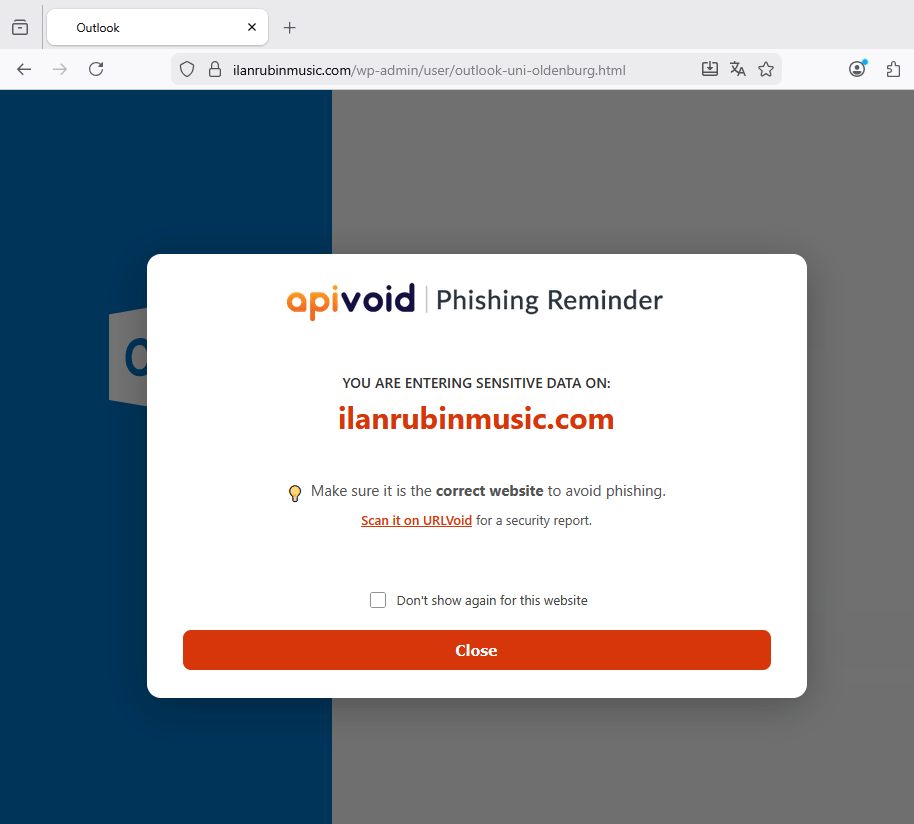
Smart Detection
APIVoid Phishing Reminder watches for login forms, password fields, wallet inputs, and other sensitive interactions. The moment you click on a suspicious form, it shows you exactly which domain you are on, before you type a single character.
Automatically triggers a warning whenever you focus on a password or credential input field on an unrecognized website.
Detects login, account, password recovery, and credential forms even when they do not use a standard input password field.
Recognizes wallet address inputs, seed phrase fields, airdrop claim pages, and other Web3 form credentials patterns.
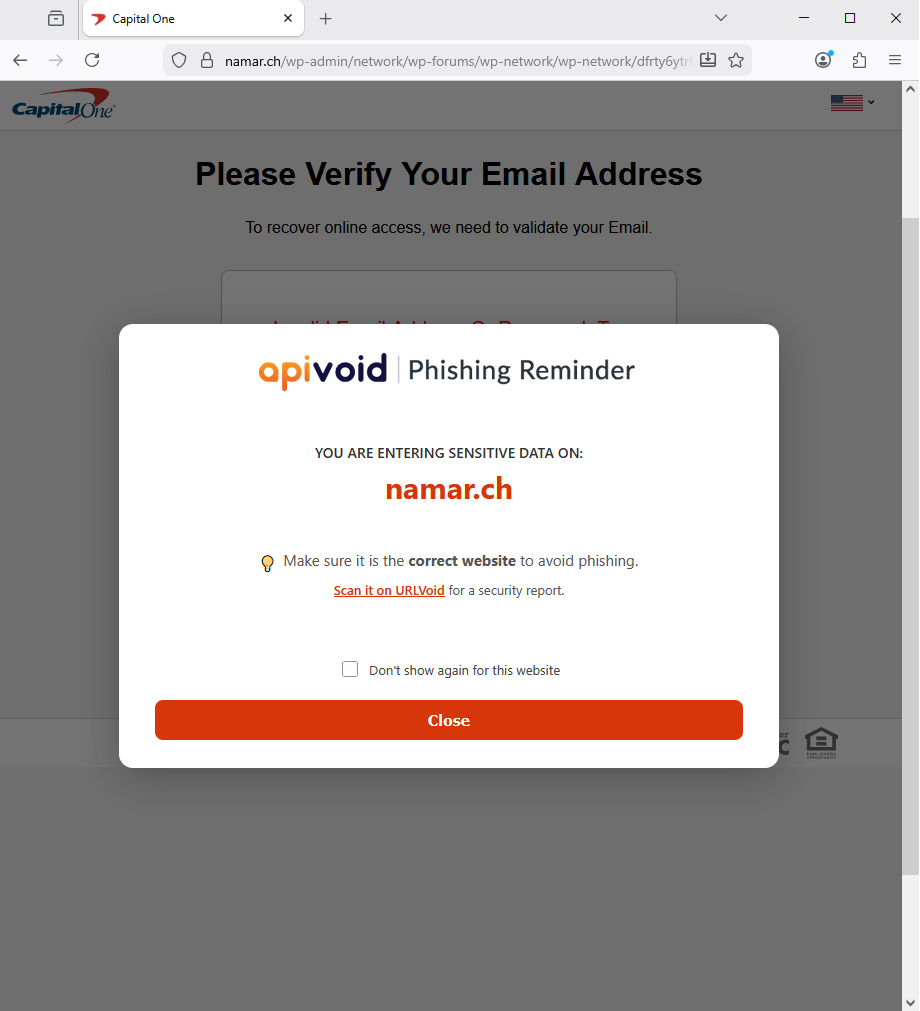
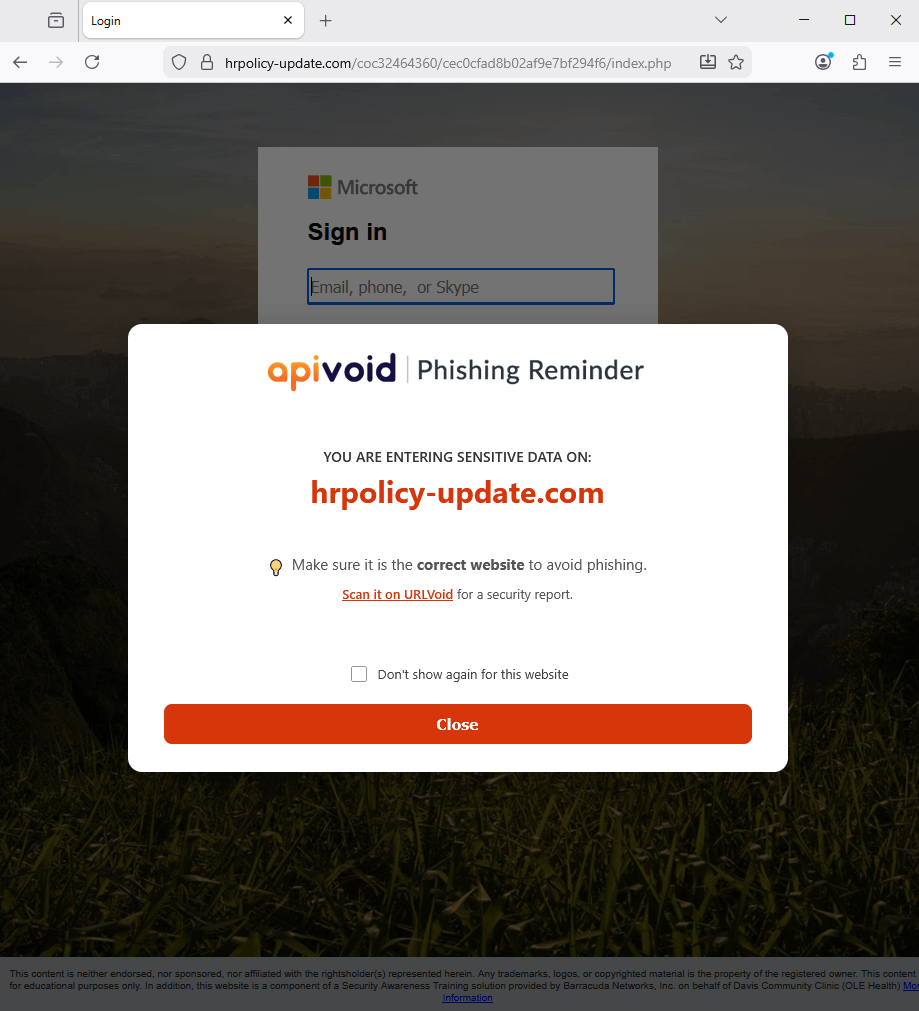
The warning displays the exact domain in large bold text so you can immediately spot lookalike or typosquatted domains.
Key Extension Features
With APIVoid Phishing Reminder you are always in control. Trusted sites are never interrupted, dismissed sites are remembered, and detection rules are silently kept up to date in the background, no configuration needed.
Hundreds of well-known websites like Google, Microsoft, PayPal, and GitHub are whitelisted by default and never trigger a warning.
Check "Don't show again for this website" and the extension will remember your choice and never interrupt you there again.
The whitelist and keyword detection rules are automatically refreshed every 7 days from our servers, keeping protection up to date.
Install and forget. The extension works immediately out of the box with no accounts, no settings, and no impact on your browsing speed.
PHISHING REMINDER FAQ
Find clear answers about how the warning works, which websites are covered, privacy, and how to get the most out of APIVoid Phishing Reminder.
The warning appears the first time you click on a sensitive input field on an unfamiliar website. This includes password fields, login forms, account recovery forms, wallet address inputs, and other fields that suggest you are about to submit sensitive information. The warning is shown only once per page, so it will not interrupt you repeatedly while you fill out a form.
No. APIVoid Phishing Reminder does not block any URLs or prevent you from accessing websites. Its goal is to make you aware of where you are entering sensitive data, reminding you to verify that the website you are on is the correct and legitimate one before submitting any information.
No. The extension includes a built-in whitelist of hundreds of well-known and trusted websites (including Google, Microsoft, Apple, PayPal, GitHub, and major banks), where the warning is never shown. This whitelist is automatically updated every 7 days from our servers, so newly trusted domains can be added over time without requiring an extension update.
When the warning appears, simply check the "Don't show again for this website" checkbox before clicking Close. The extension will save that domain locally in your browser and will never show the warning there again. This setting is stored permanently until you clear the extension data.
No. The extension is designed to work alongside other browser extensions, including password managers like LastPass, 1Password, or Bitwarden. It only injects a visual overlay when a trigger condition is met and does not interfere with form autofill or other extension functionality.
No. All detection logic runs entirely inside your browser. The only outbound connection the extension makes is a periodic download of the updated whitelist and keyword rules from our servers every 7 days. No URLs you visit, no form data, and no personal information is ever transmitted anywhere.
Create your account, activate your free trial and make your first API call. No credit card and no commitment required.
Get started now